


Microsoft Azure Integration Services
[vc_row css=”.vc_custom_1548860920650{padding-top: 1px !important;}”][vc_column][vc_column_text]In the modern commercial space, connectivity is important. Microsoft Azure Integration Services (AIS) are both the connectivity you need and the anchor for the Microsoft suite of products.
Introduction to Microsoft Azure Integration Services
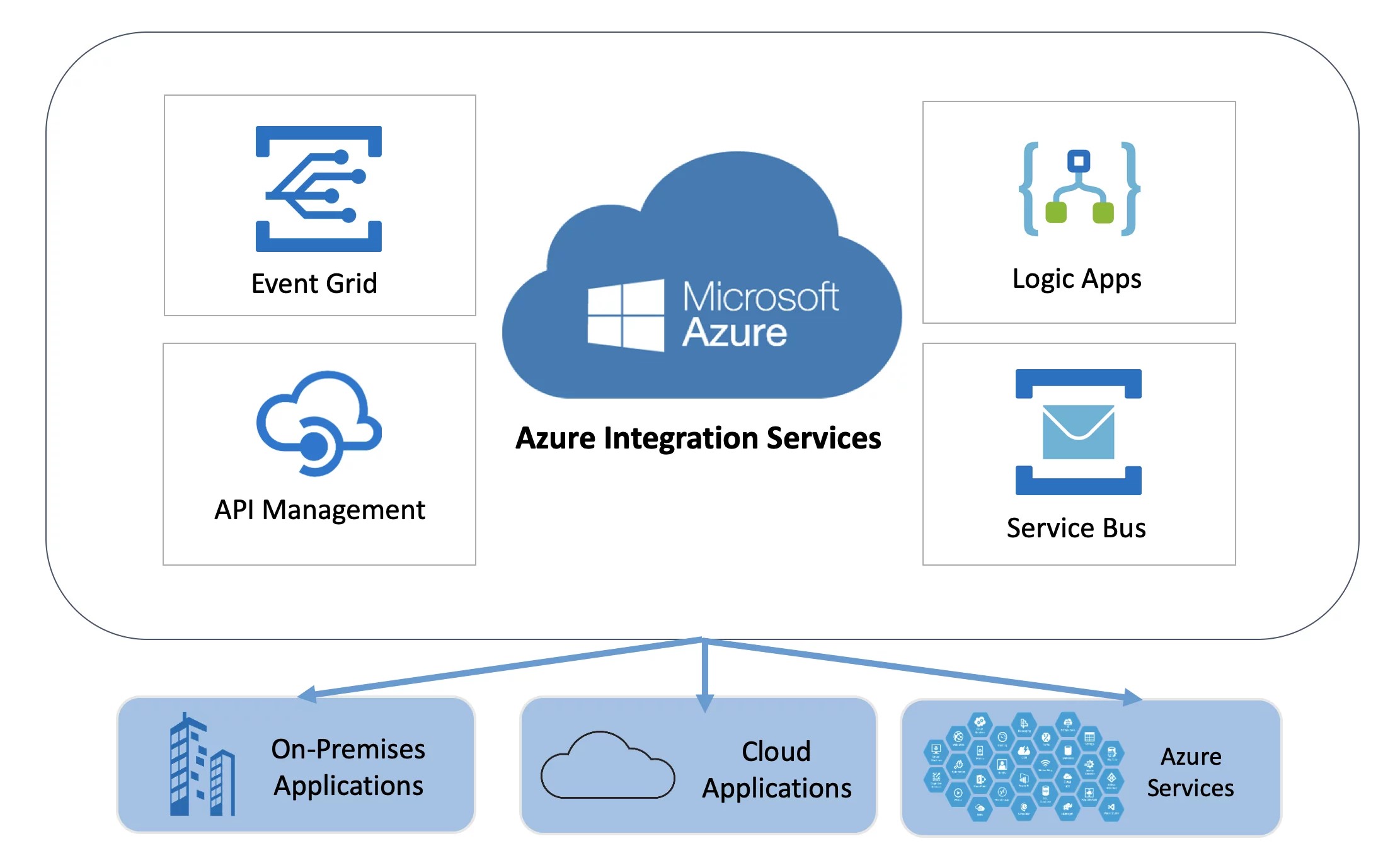
The Azure Integration Services are SaaS integration technologies that link multiple systems across the Microsoft network.
There are four key components to the AIS:
- Logic Apps
- Azure Service Bus
- API Management
- Event Grid
Each part of the AIS has a separate function that together creates complete AIS functionality.[/vc_column_text][/vc_column][/vc_row][vc_row css=”.vc_custom_1549356442070{padding-top: 32px !important;padding-bottom: 32px !important;}”][vc_column][vc_column_text]
AIS isn’t just middleware for Microsoft products, there is a wide selection of pre-built connectors created by Microsoft that link Azure and third-party platforms and applications.
[/vc_column_text][/vc_column][/vc_row][vc_row css=”.vc_custom_1557824008603{padding-bottom: 28px !important;}”][vc_column][vc_column_text]
How Do Azure Integration Services Work?
On the most basic level, the AIS facilitates communication between platforms, networks, and applications.
For example, you can use Azure Integration Services to connect your ERP to the Power Platform or the Azure cloud.
The AIS reduces latency when systems communicate, providing an efficient and cost-effective bridge between the products that businesses rely on.
How Microsoft Azure Integration Services Can Help Your Business
The Microsoft Azure Integration Services are designed to make your business operations run smoothly and efficiently.
The AIS:
- Creates standardised communication between all your systems and applications
- Is centralised, allowing you to check errors in a single location
- Offers scalability through Microsoft’s active investment and development
- Allows for uniform updating processes where updates are dealt with in a standardised language across all systems.
[/vc_column_text][/vc_column][/vc_row]