
Low Code and Secure Website Creation
[vc_row css=”.vc_custom_1548860920650{padding-top: 1px !important;}”][vc_column][vc_column_text]
Introduction to Microsoft Power Pages
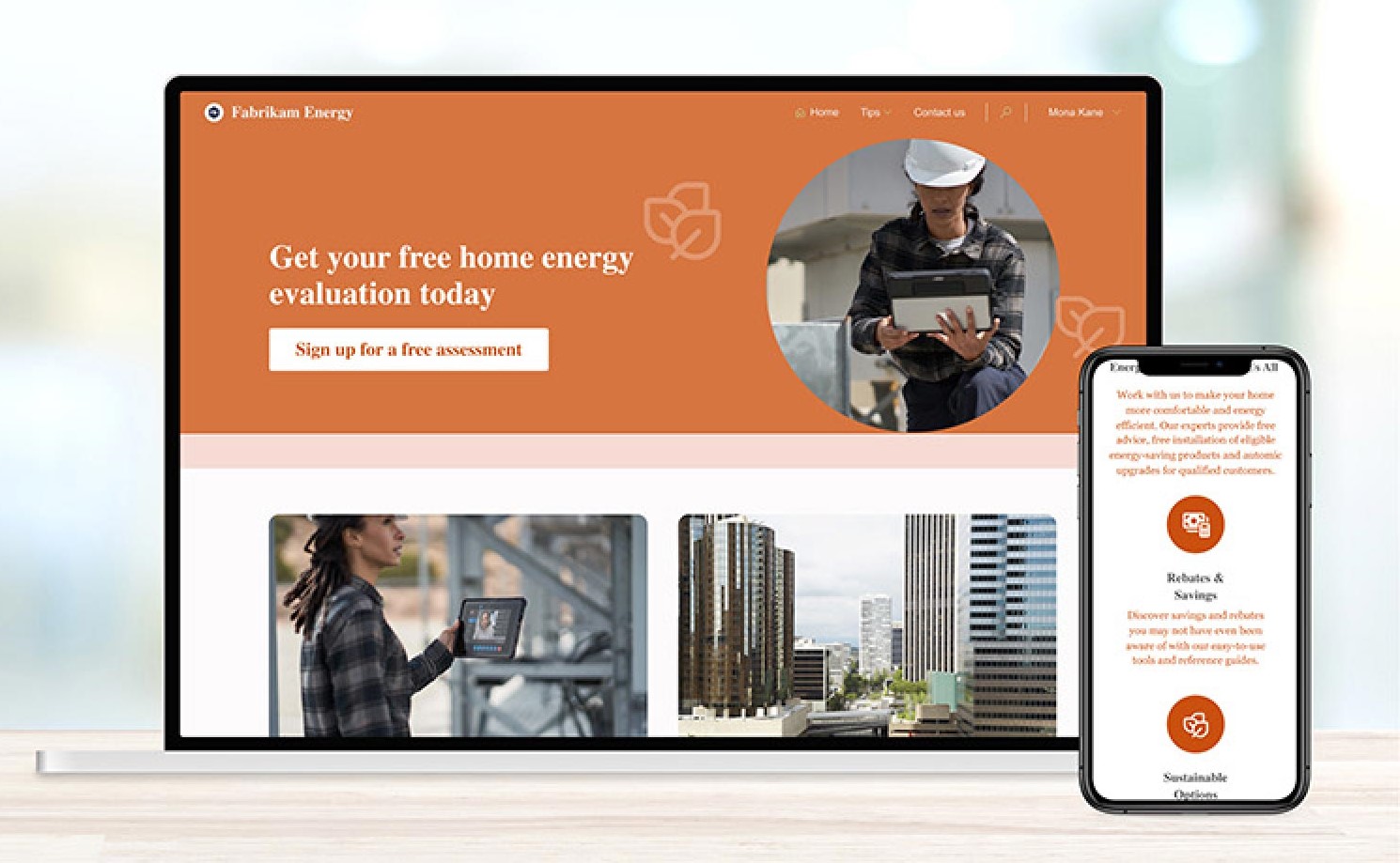
Previously known as the Microsoft Power Apps Portal, Microsoft Power Pages offers businesses the opportunity to create websites on the Power Platform in a low code environment.
With Microsoft cross-platform support you can quickly integrate data from other Power Platform tools and the Dataverse. Power Pages can likewise be linked across the Power Platform – creating a versatile and useful business solution.[/vc_column_text][/vc_column][/vc_row][vc_row css=”.vc_custom_1549356442070{padding-top: 32px !important;padding-bottom: 32px !important;}”][vc_column][vc_column_text]
Although Power Pages focuses on low code development, for developers looking for more complex coding, Power Pages offers full code functionality including the ability to modify CSS.
[/vc_column_text][/vc_column][/vc_row][vc_row css=”.vc_custom_1557823847020{padding-bottom: 28px !important;}”][vc_column][vc_column_text]
Advantages of Microsoft Power Pages
There are many benefits for businesses using Power Pages:
- Websites can be created using templates without code
- Seamlessly integrates with the Power Platform
- Market leading Microsoft security
- Operates on Microsoft Azure providing encryption
- Websites can be further customised beyond templates
Functionality of Microsoft Power Pages
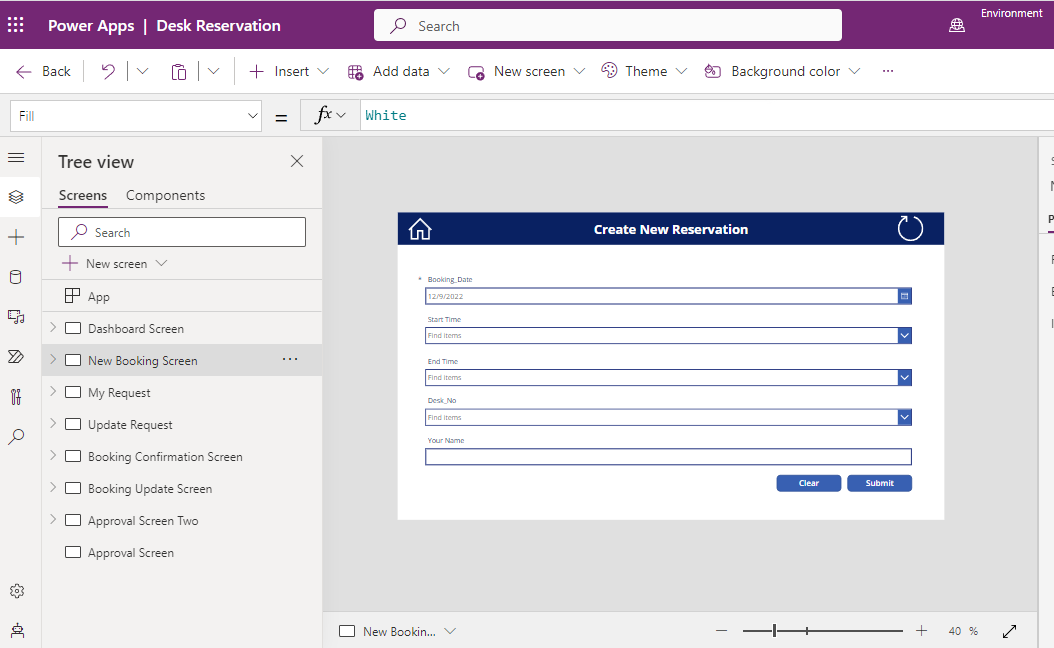
Microsoft Power pages works across the Power Platform – for example you could link up Power Apps with your Power Pages to collect information and then use Power Automate or Power BI to process that data.[/vc_column_text][/vc_column][/vc_row]